输入源
XrInputSource 表示与虚拟世界交互的机制,包括控制器、光学追踪手、注视和触摸屏等,但不等同于传统手柄、鼠标或键盘。
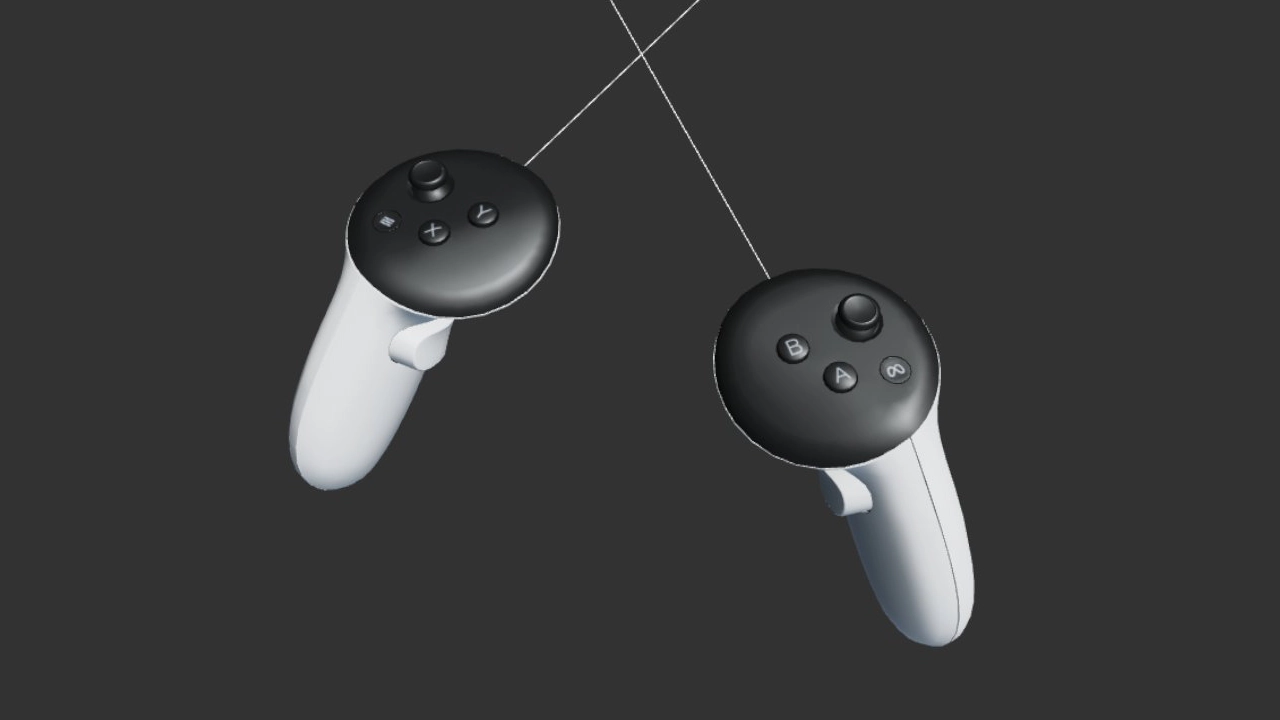
访问输入源
由 XrManager 创建的 XrInput 提供输入源列表:
const inputSources = app.xr.input.inputSources;
for (let i = 0; i < inputSources.length; i++) {
    // iterate through available input sources
}
连接实体设备或通过底层平台切换输入时,输入源可动态添加和移除。
部分输入源仅在主要动作期间短暂存在,例如:
- 手机 AR 的屏幕点击。
- Apple Vision Pro 等眼动设备的注视加捏合。
- 简单 VR 设备常见的注视交互。
建议订阅 add 和 remove,并按需创建可视化表示:
app.xr.input.on('add', (inputSource) => {
    // input source has been added

    inputSource.once('remove', () => {
        // know when input source has been removed
    });
});
主要动作:select
各输入源可产生 select:控制器通常为主按钮或扳机,触屏为点击,手为拇指食指捏合。还可监听 selectstart 和 selectend:
inputSource.on('select', () => {
    // primary action
});
也可通过输入管理器监听:
app.xr.input.on('select', (inputSource) => {
    // primary action
});
射线
输入源射线包括起点和方向,已转换到世界空间,例如:
- 控制器,如 Meta Quest Touch,射线从设备前端出发,方向由旋转决定。
- 手从拇指和食指尖之间发出并指向前方。底层不提供时,引擎会模拟,因此手也始终有射线。
- 屏幕输入可用于移动 AR,通过单目触摸屏与世界交互。
- 注视,例如 Cardboard,targetRayMode 为 pc.XRTARGETRAY_GAZE,从观察者位置沿视线发出。
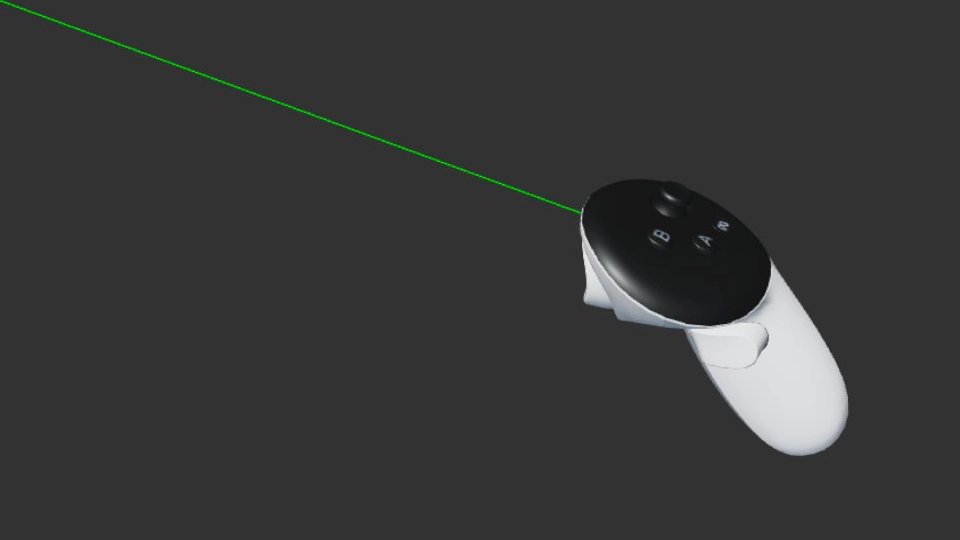
可以检查射线类型:
switch (inputSource.targetRayMode) {
    case pc.XRTARGETRAY_SCREEN:
        // screen-based interaction, such as touch-screen on mobile in AR mode
        break;
    case pc.XRTARGETRAY_POINTER:
        // pointer-based, such as hand-held controllers or hands
        break;
    case pc.XRTARGETRAY_GAZE:
        // gaze-based, that is based on viewer device orientation and position
        break;
}
以下示例检查射线与网格包围盒是否相交:
// set ray with input source data
ray.set(inputSource.getOrigin(), inputSource.getDirection());

// check if mesh bounding box intersects with ray
if (meshInstance.aabb.intersectsRay(ray)) {
    // input source is pointing at a mesh
}
握持姿态
Meta Quest Touch 等实体手持设备可提供世界空间位置和旋转。
可据此渲染与真实设备一致的虚拟控制器。
if (inputSource.grip) {
    // can render device model
    // position and rotate associated entity with model
    entity.setPosition(inputSource.getPosition());
    entity.setRotation(inputSource.getRotation());
}
游戏手柄
支持 WebXR Gamepads Module 时,输入源可能关联 GamePad,提供按键、扳机和轴等状态:
const gamepad = inputSource.gamepad;
if (gamepad) {
    if (gamepad.buttons[0] && gamepad.buttons[0].pressed) {
        // user pressed a button on a gamepad
    }
}
手
详见手部追踪。
配置描述
输入源可能提供一组描述类型的字符串,定义在配置注册表。可据此选择模型和能力,也可获取手柄按钮及轴映射。
if (inputSource.profiles.includes('oculus-touch-v2')) {
    // it is an Oculus Touch™ handheld device
}
用户界面
元素和按钮像响应鼠标、触摸一样响应 XR:射线指向时悬停,select 点击,原有 click 和状态无需修改。元素触发 selectenter、selectleave、selectstart、selectmove、selectend,按钮不触发 selectmove。输入源 elementInput=false 可隔离界面,elementEntity 返回所指元素实体。
构建、指向选择和 XrMenu 用法详见 XR 界面。